
Just the two of you
a first date, or the tenth year in
«When were you last proud of me - and what for?

The Spark Press
A questions app - for two, for a group, or strictly 18+.
a first date, or the tenth year in
«When were you last proud of me - and what for?
dinner is over and nobody wants to leave
«Which of your own moves still makes you cringe?
late, and only your people are left
Questions for the brave. Are you 18, and do you accept the rules?
How it works
 1
1 From easy icebreakers to deep dives.
 2
2 One question, read out loud.
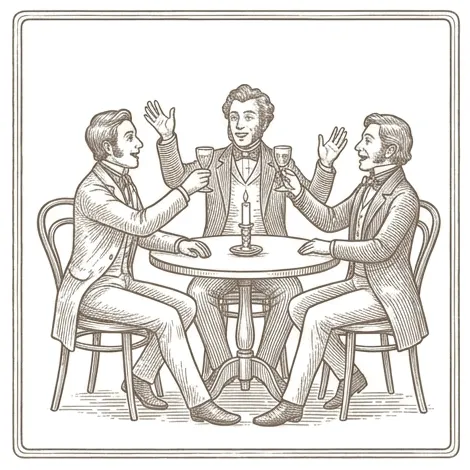 3
3 No right answers. Just you and the truth.

The things you'd never just ask.
Each with its own character and engraved stamp.
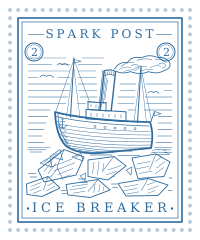 After Work What goes through your head after 'please turn your camera on'? Reason to Get Together How do you feel when someone texts you 'we need to talk'?
 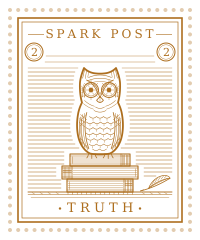 Honest Talk How do you feel about the cult of productivity? Just Between Us What small habit of mine melts your heart?
 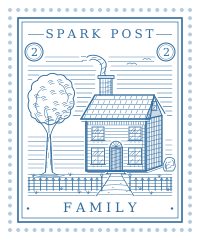 Family Fun What smell instantly takes you back to childhood and home?
  Drinking Games Truth or drink: name your dumbest purchase this month.
  Little Secrets Which emoji do you use passive-aggressively? Secret Desires 18+ By which subtle signal do you know that I want you? Too Personal 18+ Have you ever flirted at work?
 The Spark Press
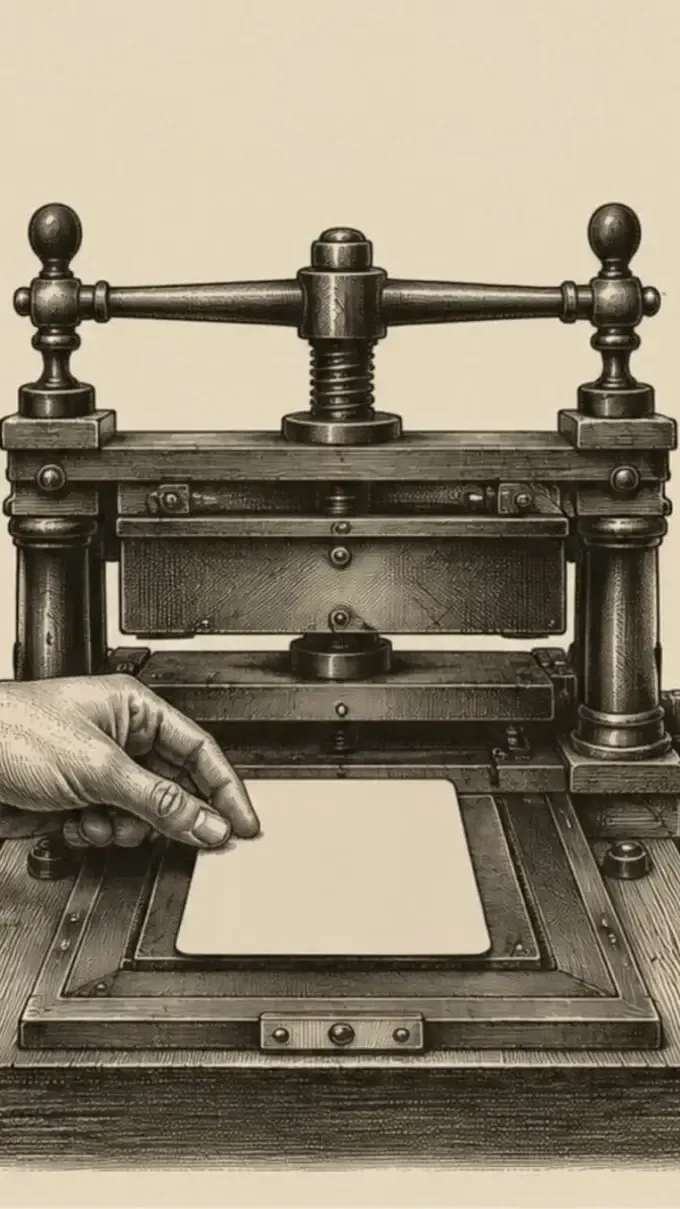
Like a print shop, only smarter: an AI typesetter sets questions for your occasion and your people.

Built like a letterpress postcard, not another app. Works offline, no ads, no clutter.
Take it with you
The browser adds the icon itself. No app store, nothing to download.
Add it from the game itself, not from this page.
On a computer, Chrome and Edge can install the game too - from the browser menu.